




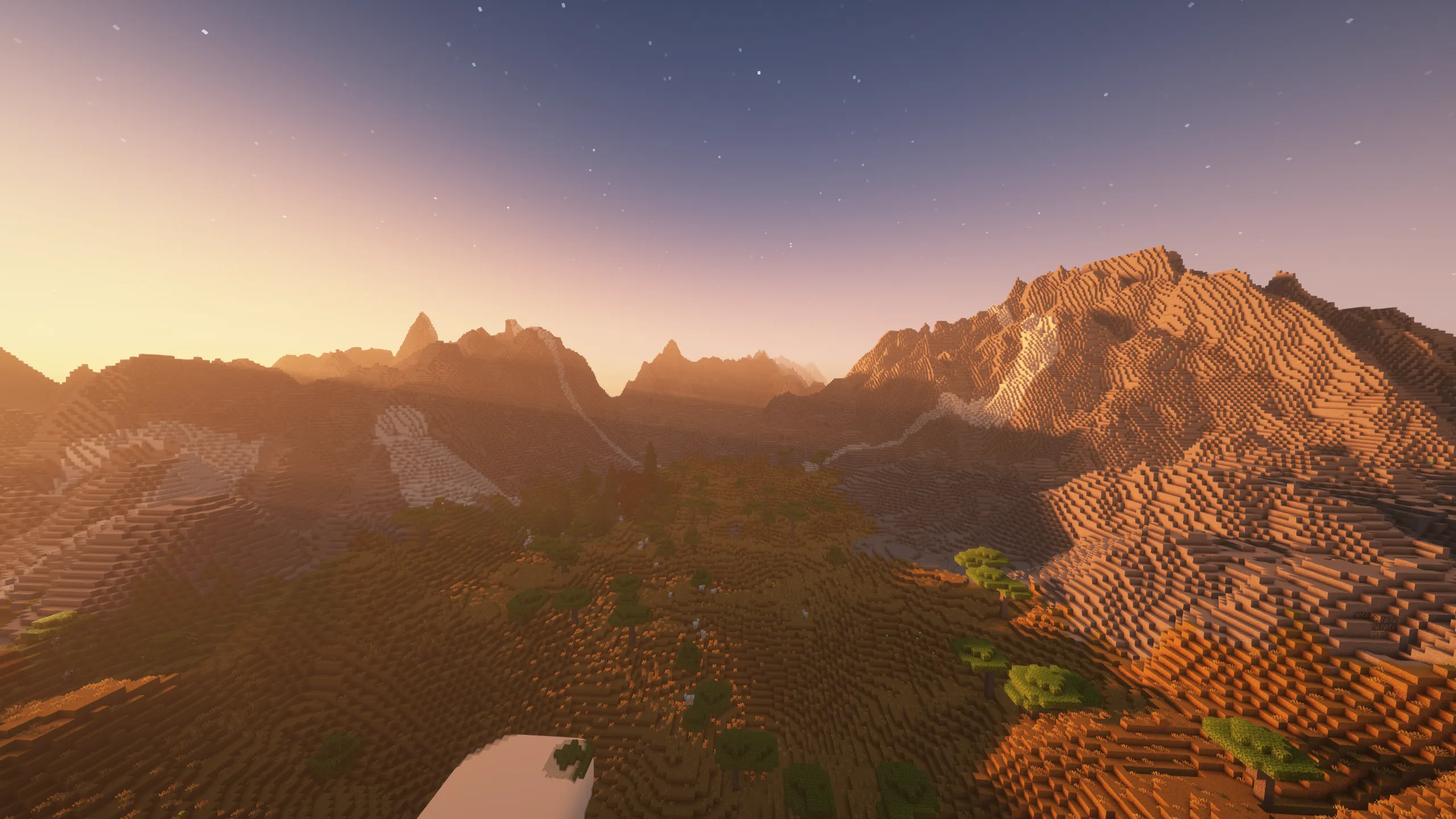
If you are experiencing crashes, visual glitches, or performance instability, the issue is often related to a conflict between optimization mods and your specific hardware.
For Fabric Modpacks
These issues are typically caused by Sodium or Iris Shaders. If your hardware is incompatible with these rendering engines:
- Locate your modpack’s
/modsfolder. - Remove or disable Sodium and Iris.
- Restart the game to see if the issue is resolved.
For Forge Modpacks
Instability is often linked to the pre-installed optimization mods.
- Visit the specific Project Page for your modpack on CurseForge or Modrinth.
- Review the mod list to identify optimization mods (such as Embeddium, Canary, or Starlight).
- Remove these mods from your
/modsfolder until the issue is resolved.
TIP
Need help finding your mods folder? If you are unsure how to locate or manage your mod files, please follow our adding mods to modpack guide below.
